Governance
Your tracking plan standards in one place: custom fields, PII, audit rules and stakeholders
Governance is in beta. Reach out at support@avo.app to get access and provide feedback.
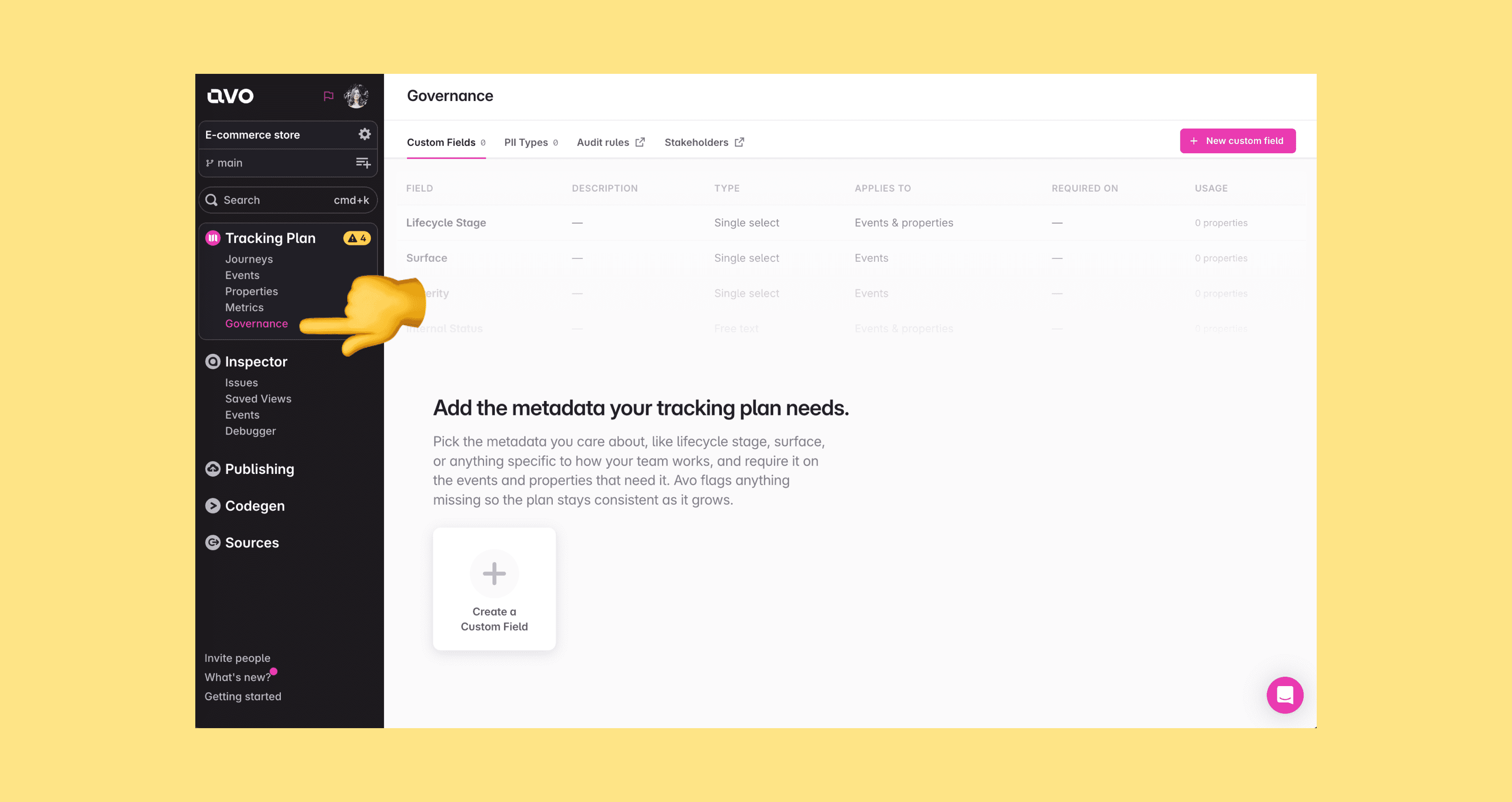
The Governance page is the home for your tracking plan standards — how teams define what good looks like and have Avo enforce it. You’ll find it under Tracking Plan > Governance in the sidebar of your Avo workspace, covering four areas:
- Custom Fields – admin-defined metadata fields, beyond Avo’s built-in fields, that can be attached to events and properties
- PII Types – an admin-defined taxonomy for classifying which properties carry personally identifiable information
- Audit rules – the tracking plan audit that checks the whole plan against your standards, from naming conventions to required custom fields
- Stakeholders – stakeholder teams that document who owns and depends on your tracking plan items
Custom Fields and PII Types are managed directly on the page; Audit rules and Stakeholders link out to their own surfaces and have their own docs.
Who can manage governance
Only workspace members with the Admin role can create, edit and archive custom fields and PII types. All other roles see the Governance page read-only — the actions are disabled with the tooltip “Only workspace admins can manage governance fields and PII types”.
Setting custom field values and PII status on individual events and properties is regular tracking plan editing, available to Editor and Admin roles. See Members and roles for the full role overview.
Governance changes are branch-reviewed
Custom field and PII type definitions, and the values set on items, live in the tracking plan model. That means changes to them are made on branches, show up in branch diffs, and go through the normal branch review and merge workflow — the same as any other tracking plan change.
Learn more
